
About
Answers fade.Capability compounds.
GuideLayer is a Mac capability layer — in-app guidance, verified outcomes, Ability Map. Not a buddy cursor. Not AI that replaces you.
Guide in the app
Focus Lift points at the real control — not a screenshot from last quarter
Verify the outcome
Evidence that the step landed, so help isn’t theater
Deposit ability
Ability Map keeps what you learned ready for the next time
Outcomes when needed
Agent Mode is the second lane — never the headline
Why GuideLayer exists
Help that leaves yousharper next time.
Every week we see how “just send it to our cloud” turns into a leak, and how tools meant to help quietly harvest what you feed them. Screen-aware AI is useful. It's also the category where trust matters most — because you're giving software permission to see what you're working on.
When we wanted help on our own Macs, we couldn't use the apps that finish the task and leave you no sharper, or the ones that quietly ship your screen somewhere else. So we built what we'd trust: enhance your abilities with the tools you already use, verify the outcome, deposit ability you can reuse.
Capture when you ask. Keys in Keychain. No GuideLayer inference server. Read how that works in our private AI and screen-aware guides.
How we build
Ability and safetybeat feature lists.
GuideLayer is shipped technology for human capability on the Mac — not a pointing shell, not a course catalog, not a cloud that owns your work.
Enhance you first
Most of the time you want sharper ability in the tools you already use — not an autopilot that takes the wheel.
Evidence over claims
Verified guidance and inspectable outcomes beat feature lists. If it can’t show what happened, it didn’t help.
Local control by default
Keys in Keychain when you bring your own route. Capture on demand. Privacy Center you can open anytime.
Trust & privacy
Ability needs a screenyou can trust.
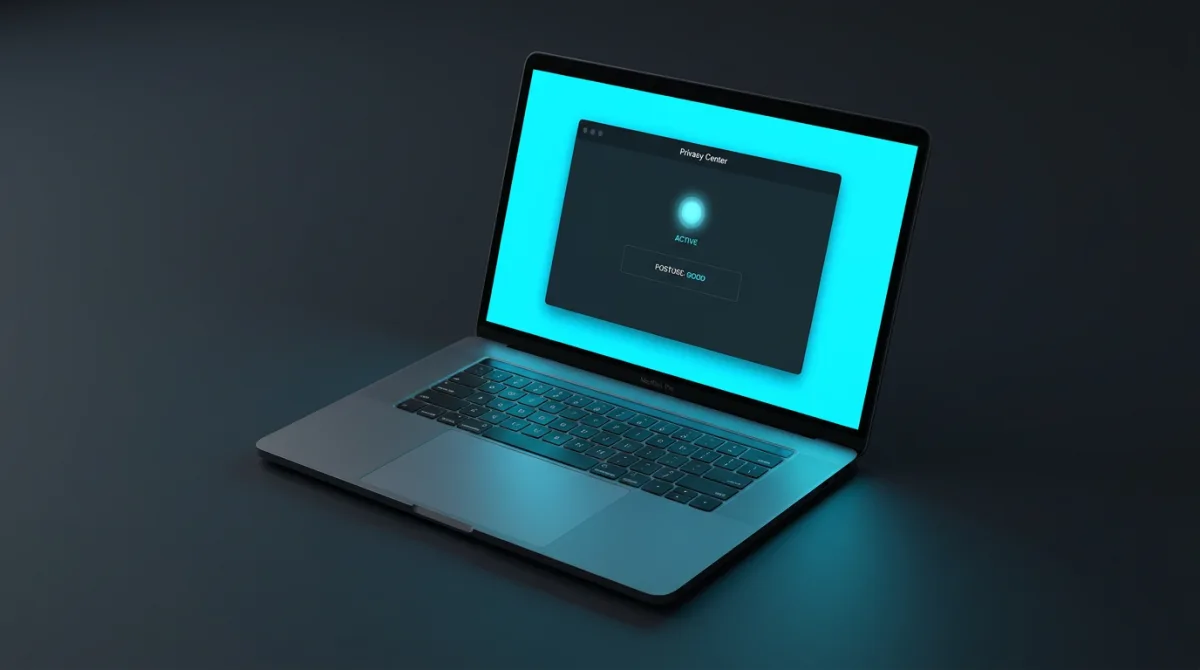
Privacy isn't a promise in a policy — it's enforced in the product. Open Privacy Center anytime. Don't take our word for the posture. See it on the homepage.
Your keys stay yours
BYO credentials live in macOS Keychain — device-only, never uploaded.
Your history stays private
Encrypted on device. Screenshots off unless you turn them on. Capture fires when you ask.
You can see the truth of it
Live readout of the active model and route. Privacy Center shows your whole posture at a glance.
Explore
Go deeperwhen you want the long version.
Try GuideLayer on your Mac.Decide with evidence.
Stuck in an app? Download for Apple Silicon. GuideLayer points to the control you need. Connect the AI you already use.
Or start from the homepage.