
Use cases
How people use GuideLayer
GuideLayer sits on the Mac desktop and enhances abilities inside real software, not inside one vendor's web app. Onboarding, interactive walkthroughs, training, and day-to-day help with verified outcomes that compound.
Teams enhance their abilities with the tools they already use, verified help on the Mac that compounds into lasting ability, not another course catalog. Start with AI assistant for Mac, software onboarding, or compare GuideLayer.
Start here

Software Onboarding
New hire, new tool, same problem: nobody remembers where anything is. GuideLayer walks people through real desktop software on their actual Mac.
Read more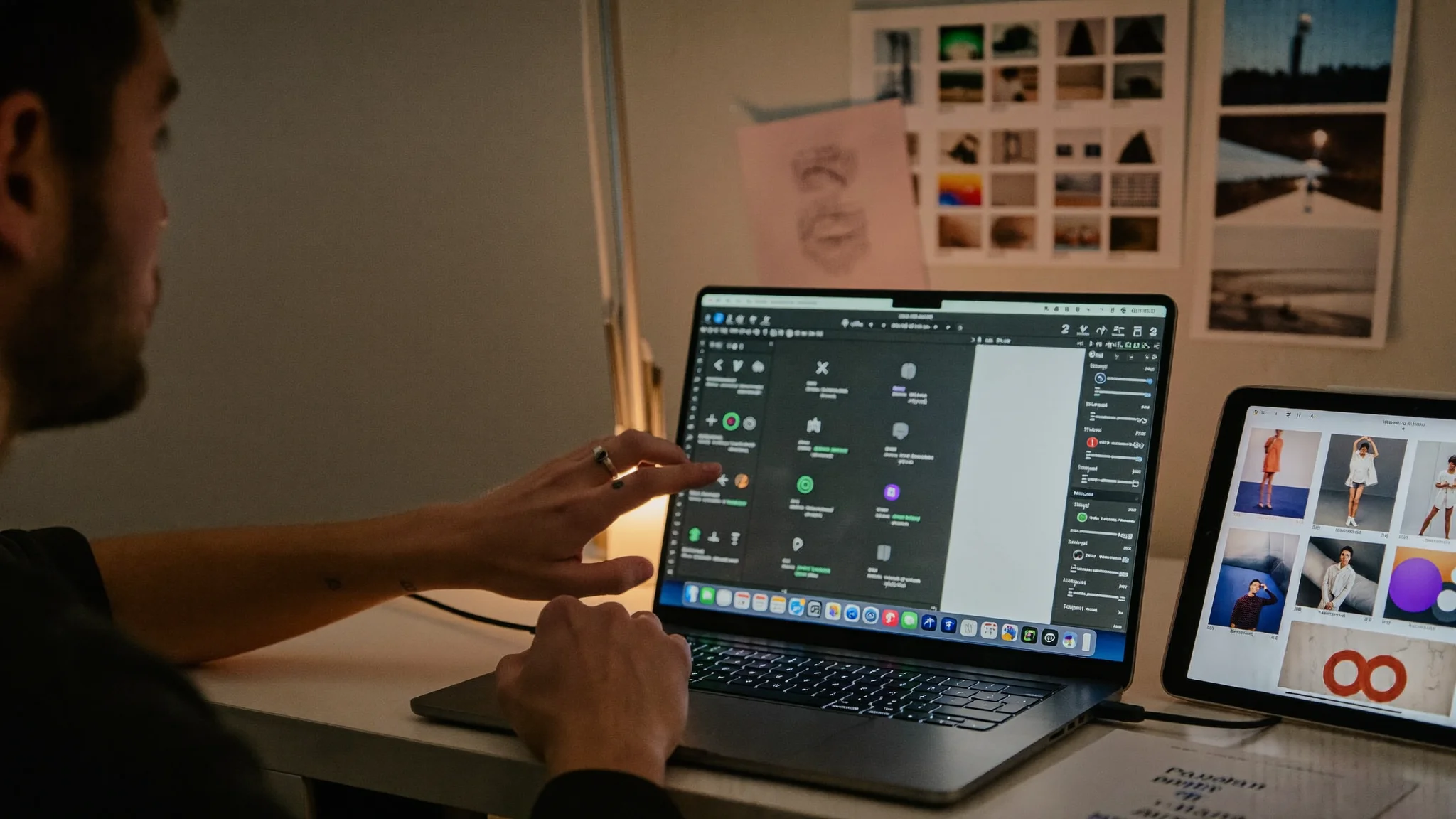
Interactive Walkthrough Software
In-app guidance that points at the button on screen, not a screenshot from last quarter. Live walkthroughs built from what the user sees right now.
Read more
Digital Adoption on Mac
Not WalkMe inside one SaaS tab. A personal digital adoption guide that works across every app on your Mac, onboarding, training, and day-to-day help.
Read more
Employee Software Training
Train people inside the tools they actually use. Screen-aware tutorials, saved checklists, and a tutor that shows where to click, on their machine, not a sandbox.
Read more
AI Computer Help for Seniors
Say what you need out loud. GuideLayer sees the screen, points at the control, and talks you through it. Computer help for seniors without the forty-minute phone call.
Read more
AI Executive Assistant for Mac
Not a human EA, Mac software for executives who need screen-grounded answers, voice lookup mid-meeting, and Codex agent handoffs for follow-up work.
Read moreMore pages
Try GuideLayer on your Mac
Screen-aware. Private by default. Download for Apple Silicon.